


Description
School ID Card Printing in Chennai – Affordable & High-Quality Student ID Cards
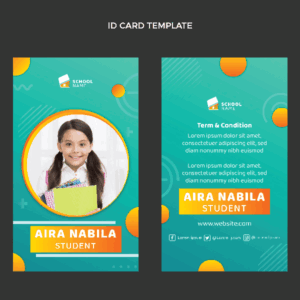
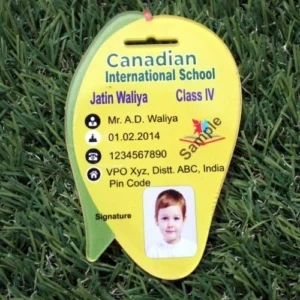
Looking for low price school ID card printing in Chennai? We specialize in durable, professional, and vibrant PVC school ID cards designed for schools, colleges, and educational institutions. Our custom school ID card printing services ensure every card reflects your institution’s identity with clarity and style.
We offer a wide range of student ID card printing options, including barcode, RFID, and smart chip cards. Using advanced printing technology, we deliver high-quality ID cards that are waterproof, fade-resistant, and long-lasting. Whether you need bulk ID cards for an entire school or a few replacements, we guarantee fast turnaround and affordable pricing.
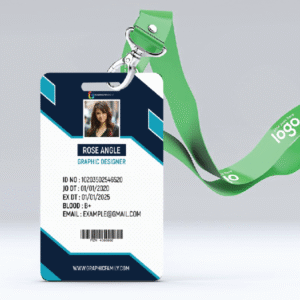
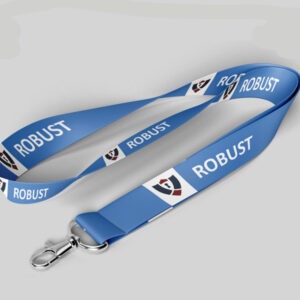
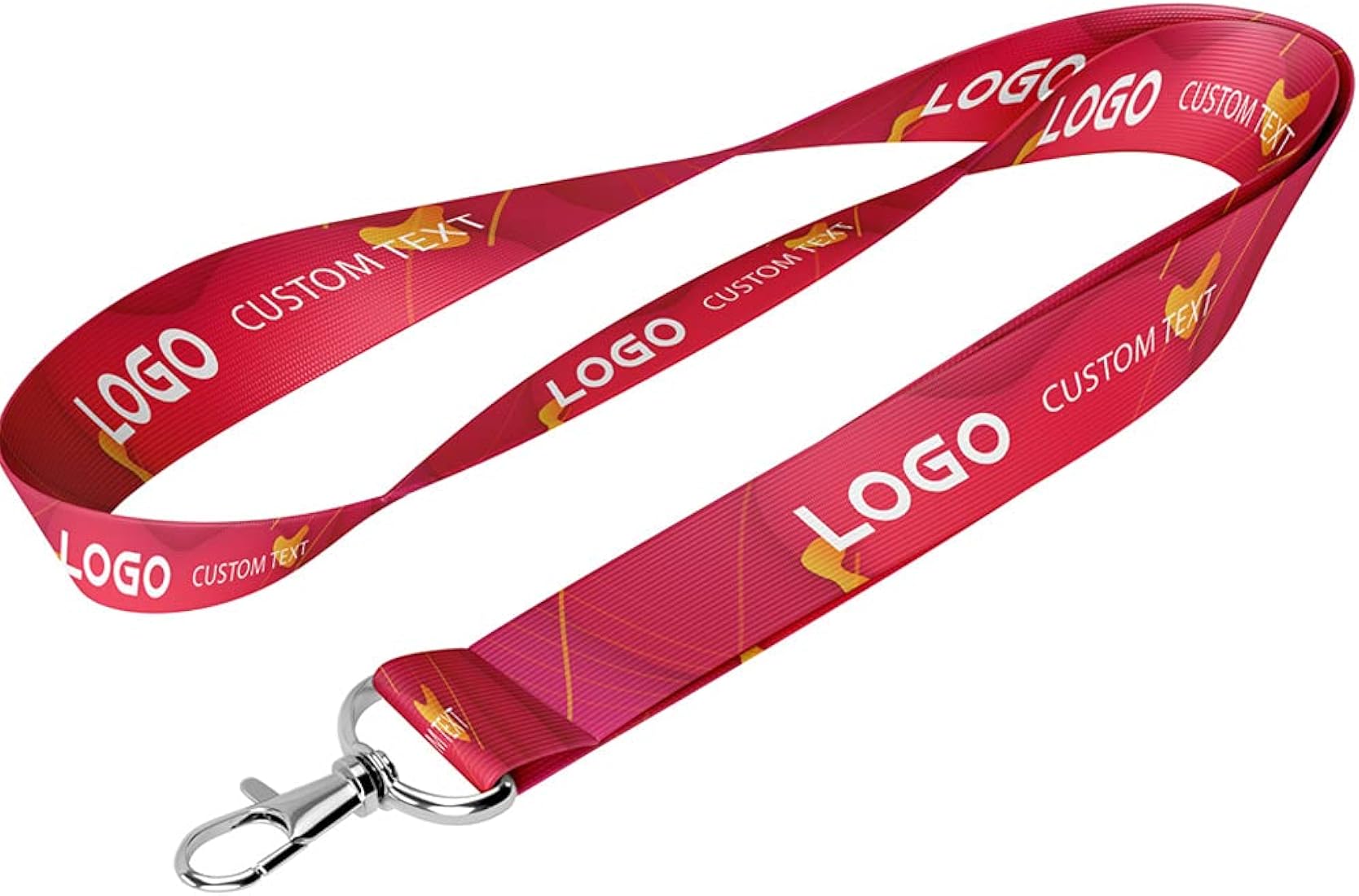
Our in-house design team can help you create unique layouts with logos, student photos, and school branding for a professional finish. We also provide lanyards, card holders, and accessories to complete your ID card package.
Choose the best school ID card makers in Chennai for reliability, quality, and speed. We serve schools, colleges, training institutes, and coaching centers across Chennai with on-time delivery and excellent customer support.
Order your school ID cards online today and enjoy premium quality at the lowest price in Chennai.
Materials You’ll Need:
- ID Card Template: A pre-designed template for ID cards or a blank template (such as a .png or .jpg file).
- Card Printing Software: This could be software like Adobe Photoshop, Microsoft Word, or specialized ID card software (e.g., ID Flow, Cardpresso).
- ID Card Printer: A dedicated card printer (e.g., Zebra, Fargo, or Evolis printers).
- Blank ID Cards: PVC cards, which are commonly used for printing IDs.
- Laminator (optional): If you want extra durability for your cards, you can laminate them.
Steps for Printing an ID Card:
Step 1: Design the ID Card
- Software: Use software like Adobe Photoshop or online tools (e.g., Canva, Adobe Express) to create or modify your ID card design.
- You can include information such as:
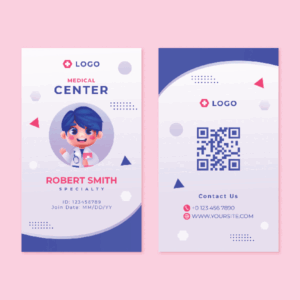
- Name, Photo Job title/Role, Organization name/logo, ID number, Expiration date (if needed)
- Make sure the dimensions fit the standard ID card size, usually 85.60 x 53.98 mm (3.37 x 2.12 inches).
- You can include information such as:
Step 2: Add the Photo (if necessary)
- If the ID requires a photo, ensure it is high quality and placed in the designated space on the card template.
- For professional-looking results, use a photo that’s consistent in lighting and size across all ID cards.
Step 3: Print the Design
- Printing Software: Open your ID design in the card printing software. Most ID card printers come with their own software, but you can also use programs like Photoshop or a PDF file if the printer supports it.
- Set up Printer: Make sure your card printer is properly connected, the blank PVC cards are loaded, and the printer settings match the size of the ID card.
Step 4: Choose Printer Settings
- Ensure the settings are set for high-quality printing (especially for photos and logos).
- Some printers may require you to set the printer to “Card Mode” or a similar option for optimal card printing.
Step 5: Print the ID Cards
- Print a test card first to check alignment, colors, and overall quality.
- If the test print is satisfactory, proceed with printing the remaining cards.
Step 6: Optional – Laminate the Cards
- After printing, you can laminate the ID cards for additional durability.
Step 7: Cut and Finish
- If you laminated the cards, you may need to trim the edges.
- Otherwise, ensure the cards are cut properly if your printer can’t handle the trimming.
- Printing Time For 3 Days Delivery Time For 3 Days





Reviews
There are no reviews yet.